Automation Engine
The EZYiD automation engine is designed on an event, trigger, action and condition concept. In built compliance events in the EZYiD system include Inspections, Expiries and Checked out. In built conditions for a compliance event is date and the actions could include to send a notification to the asset owner at a specific time. To configure an automation recipe, click on the Automate button in the RHS menu Click on “Notification” category Create your automation event to notify asset owners of upcoming inspections. Where the action is Notify, event is inspection and the trigger is the date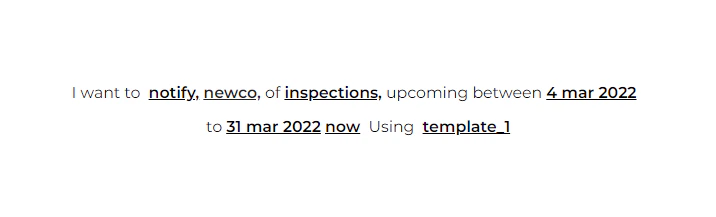
When a safety issue or a recall event is selected, you can select the manufacturer, part no and batch.