Some use cases include giving access to your customer compliance data (Certs). Allowing your suppliers to add their Certificate of Conformity docs along with their asset onboarding.
Create a contact
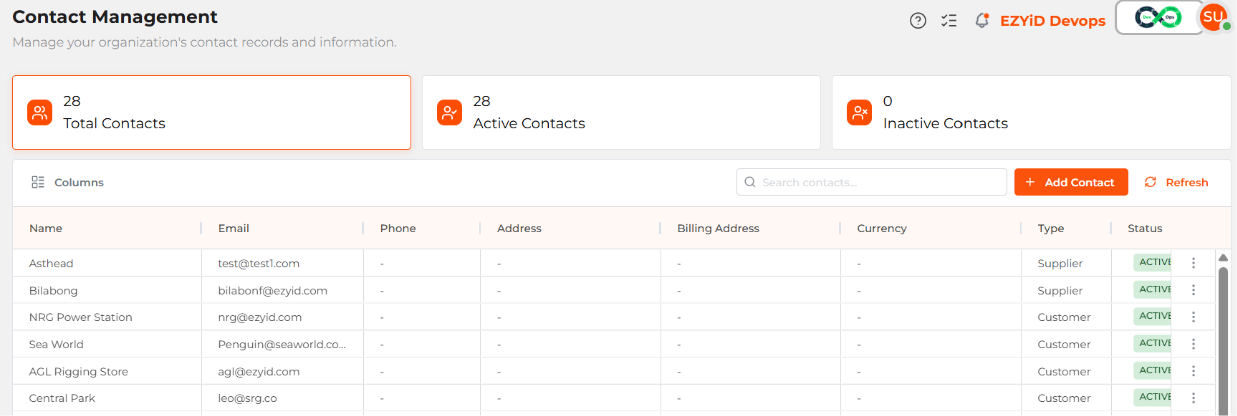
- On the RHS menu, Open the My Contacts page and create a new contact.
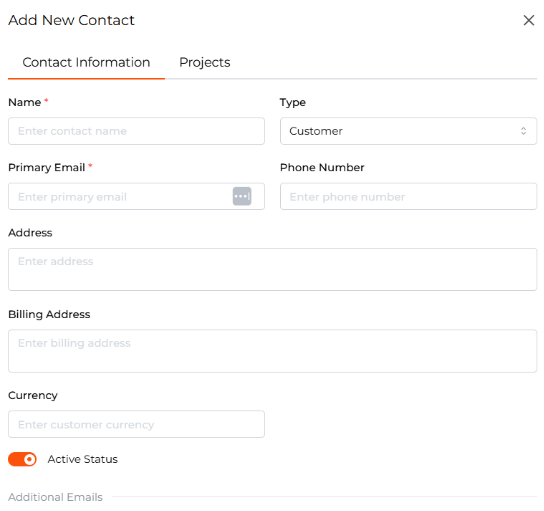
- Choose Customer if the organisation buys goods or services from you, or Supplier if it provides goods or services to you.
- Enter the relevant contact details and save the record.
Link a contact to sites and projects
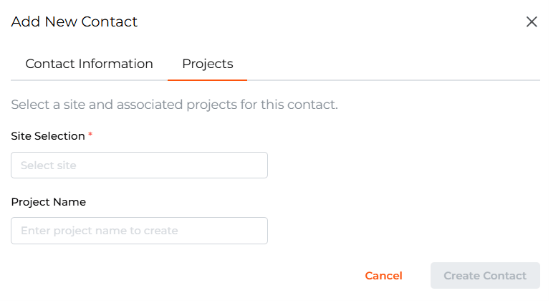
Open the customer or supplier contact, select the projects tab to update the site and or project associated with the contact. You can select your existing sites or create new sites from the contacts page. Linking your contact to the relevant sites, projects or both. For example, if a supplier delivers equipment to a site for a particular project, you can link the supplier to both the delivery site and the project.